Music Festival Tycoon Mobile & Tablet Tips
Play Music Festival Tycoon smoothly on phone or tablet — camera, building, battery, and touch precision.
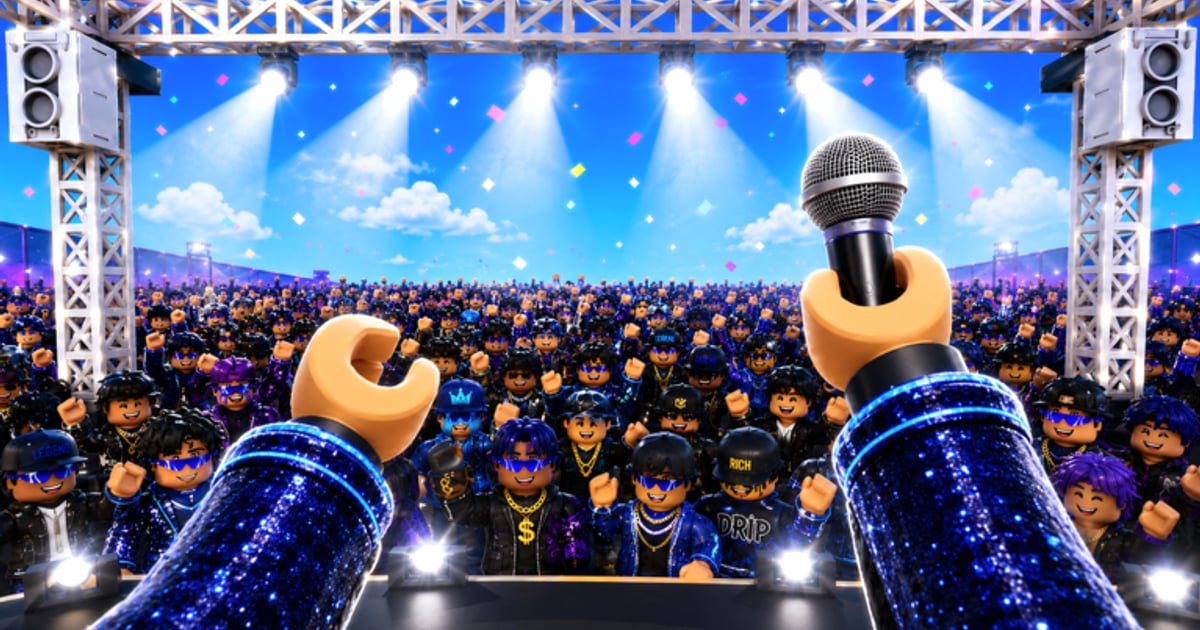
More than half of Roblox sessions happen on phones and tablets, and Music Festival Tycoon — the Live Nation and Livewire experience by Sawhorse Interactive (Place ID 105896604492658) — runs fully on mobile. Touch controls trade mouse precision for portability, which hurts when you are placing Lollapalooza merch stands, tapping dense purchase pads during 2X COINS, or rotating camera around a five-genre plot with CORTIS banners blocking the HUD. This guide covers device settings, camera techniques, building on touch, battery optimization, and troubleshooting mis-taps — without mixing up this title with The Chainsmokers Festival Tycoon (Place ID 9648883891), which has separate maps and UI density.
Start with Controls for the full input reference across PC, mobile, and controller. New mobile players should complete Getting Started on the device they plan to main.
Why mobile players need a dedicated strategy
Music Festival Tycoon is a building-heavy tycoon, not a simple clicker:
- Purchase pads cluster near genre stages, vendors, and event props.
- Collaboration weeks spawn oversized Lollapalooza arches and CORTIS stage pieces that obscure tap targets.
- Income rates match PC during 2X COINS — device does not affect multipliers — but mis-taps buy wrong upgrades and waste doubled ticks.
- 3.5 million+ visits mean crowded public servers where other avatars block your taps.
Mobile is viable for full progression if you adjust settings and layout habits from day one.
Essential Roblox mobile settings
Change these in the Roblox app before grinding festivals:
| Setting | Recommendation | Why |
|---|---|---|
| Graphics mode | Automatic or lower on older phones | Reduces input lag during dense plots |
| Camera sensitivity | Medium-high | Faster swipes when hunting hidden pads |
| Shift lock | Off | Tycoon games rarely need it; fights thumbstick |
| Orientation | Landscape locked | Portrait hides HUD buttons on small screens |
| Pinch zoom | Enabled if available | Overview before expensive plot expansion |
Revisit settings after major Updates — Roblox client changes sometimes reset preferences.
Camera control on touch
Camera work separates efficient mobile builders from frustrated tap-spammers:
Swipe and zoom basics
- Move character with left thumbstick.
- Rotate camera by swiping the right half of the screen.
- Pinch zoom for plot overview before buying headline stages or Lollapalooza main stage assets.
- Tap glowing pads and HUD icons to purchase and collect.
Mobile camera best practices
- Zoom out before every major purchase — See full vendor lanes from Festival Build plans.
- Pause movement when menus open — Walking dismisses artist booking prompts from Unlock Artists.
- Re-center after events — CORTIS and Lollapalooza props shift sightlines; swipe until purchase pads glow again.
- Avoid building during server peak — Public servers at launch spike avatar clutter; private sessions with friends reduce blocked taps.
Full keybind tables live on Controls — mobile section mirrors these tips with touch labels.
Building and placement on touch
Touch building in Music Festival Tycoon follows Sawhorse pad conventions — you tap purchase buttons, not free-drag structures:
Precision tap techniques
- Tap once, wait for confirm — Double-taps sometimes fire two purchases on laggy connections.
- Stand still facing the pad — Some structures require orientation before the buy button activates.
- Clear event pop-ups first — Collaboration banners from CORTIS Collaboration block HUD edges.
- Use spine layout — Simple central paths from Festival Build reduce how often you rotate camera 360° on a phone.
Vendor placement on mobile
Merch & Vendors ROI depends on foot traffic engineering:
- Place merch on wide spine sections — narrow corridors cause mis-taps on adjacent food carts.
- Build restrooms before duplicating food — fewer clustered pads means fewer wrong buys.
- Hot dog vendor beside merch queue, not tucked behind toilet props.
Cross-check priorities on Stage & Vendor Tier List before spending coins on hard-to-tap back corners.
Battery and session length
Festival grinding during 2X COINS drains batteries fast:
- Lower brightness to 40–60% indoors — Roblox 3D rendering dominates power draw, not network.
- Close background apps — Free RAM reduces stutter when coin piles spawn.
- Use Wi-Fi over cellular — Stable connection prevents rejoin loops that duplicate mis-taps.
- Charge past 20% — iOS and Android throttle performance on low battery, increasing input delay.
- Short breaks every 45 minutes — Let device cool; thermal throttling feels like “laggy controls.”
AFK collection works partially on mobile, but active reinvestment during 2X COINS beats idle farming — see Earn Coins.
Tablet vs phone considerations
Tablets offer larger tap targets and better overview zoom:
- Tablets — Ideal for Festival Build sessions and multi-genre layout planning across Rock, Hip Hop, EDM, Country, and K-Pop lanes.
- Phones — Better for quick check-ins, coin collection, and event objective completion during commutes.
- Cross-device — Progress saves to your Roblox account; re-read Controls when switching — sensitivity differs sharply.
Mobile troubleshooting
| Problem | Likely fix |
|---|---|
| Taps register late | Lower graphics; restart Roblox app; reduce server population |
| Cannot find purchase pad | Zoom out; dismiss event pop-ups; verify plot ownership via Getting Started |
| Camera stuck | Toggle shift lock off; rejoin server |
| Wrong upgrade purchased | Zoom out before tapping; stand still; undo via rebuild if refunds allow |
| Game feels like wrong title | Confirm Place ID 105896604492658 on Official Links |
| HUD hidden | Force landscape; check notch overlap on iPhone — use Roblox safe area settings |
Report persistent mobile bugs through official channels listed on Official Links.
Mobile vs PC — when to switch
Use mobile for daily income loops and event check-ins. Switch to PC for:
- First-time plot expansion planning with dense vendor grids.
- Screenshot sessions showcasing Lollapalooza theming.
- Comparing upgrade payback in Coin Calculator while playing — dual-screen workflow.
No promo codes grant mobile advantages — Codes lists zero active strings as of late July 2026.
Related resources
- Controls — Full PC, mobile, and controller input tables
- Getting Started — Day-one checklist on any device
- Festival Build Guide — Layout that reduces mobile camera pain
- Merch & Vendors — Vendor placement for touch precision
- Guides Hub — Complete walkthrough index
Mobile players can build festivals worthy of Live Nation headlines — tune Roblox settings, zoom out before every purchase, and route crowds down simple spines so your thumbs spend coins on upgrades, not on fighting the camera.
Frequently Asked Questions
Quick answers to the most common questions.
Can I play Music Festival Tycoon on mobile?
Yes. The experience runs on iOS and Android through the Roblox app with touch thumbstick movement, swipe camera, and tap-to-buy on purchase pads.
Does mobile earn fewer coins than PC?
No. Income rates and 2X COINS multipliers are identical across devices. Mobile only affects control precision, not payout math.
What Roblox settings help mobile building?
Use landscape orientation, disable shift lock, enable pinch zoom, and lower graphics on older phones to reduce input lag during dense festival plots.
Why do my taps buy the wrong upgrade?
Zoom out before purchasing, stand still facing the correct pad, and dismiss event pop-ups that block HUD buttons. Clustered vendor pads cause mis-taps on small screens.
Is tablet better than phone for Music Festival Tycoon?
Tablets offer larger tap targets and better camera overview for layout planning. Phones work well for quick sessions and coin collection during 2X COINS.