Music Festival Tycoon Guides Hub
Every walkthrough, mechanic breakdown, and event guide for the Live Nation Roblox tycoon in one place.
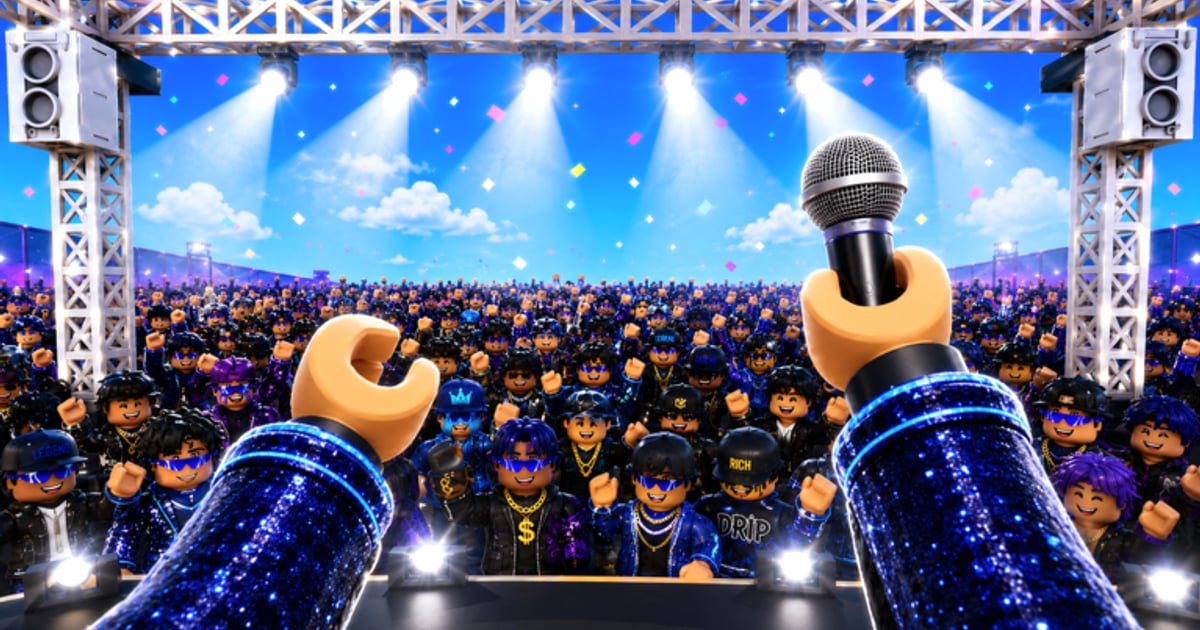
Welcome to the Guides Hub for Music Festival Tycoon — the Live Nation and Livewire Roblox experience built by Sawhorse Interactive. With more than 3.5 million visits and a growing roster of real-world festival tie-ins, the game rewards players who understand its tycoon loop: build stages, pick genres, book artists, and reinvest coin income into bigger crowds. Whether you joined during the 2X COINS launch event or arrived for the CORTIS collaboration, these guides cover every core system without wasting your time on outdated advice from unrelated tycoons.
Start here if you are new, then branch into specialized pages as your festival grows. Every guide below cross-links to related topics so you never hit a dead end.
Beginner path — read these first
If you have never played a Sawhorse tycoon or you confused this title with The Chainsmokers Festival Tycoon (Place ID 9648883891), begin with the onboarding sequence:
- Getting Started — Day-one checklist: claim your plot, understand the Live Nation branding, and set your first income goal before the tutorial ends.
- Controls — PC, mobile, and controller inputs for building, camera movement, and menu navigation so you do not fumble during timed events.
- Earn Coins — How ticket sales, merch booths, and the active 2X COINS multiplier stack, plus where to reinvest for the fastest early returns.
These three pages alone will carry you through the first hour. Once your base income stabilizes, move into layout and roster decisions.
Build and progression guides
Mid-game strategy separates crowded amateur festivals from headline-worthy productions:
- Festival Build Guide — Stage placement, vendor lanes, crowd flow, and how to expand your map without choking foot traffic.
- Unlock Artists — Requirements, costs, and priority order for adding performers beyond your starter roster, including tips for saving toward premium bookings.
- Genres Guide — Deep dive on Rock, Hip Hop, EDM, Country, and K-Pop lanes: which genres synergize, when to diversify, and how genre choice affects audience mood.
Pair the build guide with the genre page before you commit expensive upgrades. A beautifully laid-out EDM stage means little if your audience skews Country.
Event and collaboration guides
Music Festival Tycoon distinguishes itself from generic tycoons through real-world music partnerships. Two guides cover the highest-traffic events at launch:
- CORTIS Collaboration — Everything about CORTIS, the first featured artist in the experience: exclusive content, limited-time objectives, and how the collab interacts with your existing roster.
- Lollapalooza Event — The first real-world festival represented in-game: event mechanics, themed rewards, and how Lollapalooza branding changes your festival aesthetic.
Also watch the fictional headliner MashUpHeaval referenced in promotional material — while not a standalone guide topic yet, the event pages explain how special headliners slot into your schedule.
Vendors, spending, and mobile guides
Once your core loop runs smoothly, these specialized pages cover infrastructure details and device-specific play:
- Merch & Vendors — Food carts, merch stands, restrooms, the Chicago hot dog vendor, and vendor ROI placement tied to Stage & Vendor Tier List rankings.
- Gamepasses — Robux spending advice, verified Double Tickets and Auto-Claim passes, and in-game store verification versus free 2X COINS grinding.
- Season Pass & Quests — Daily quests, ticket income, season pass track rewards, and when verified gamepasses beat free grinding.
- Fast Progression — Day-one to midgame speed route during 2X COINS: plot claim through CORTIS and Lollapalooza assets with gamepass timing advice.
- CORTIS Avatars — Unlock five member-inspired looks, the dedicated CORTIS stage, and virtual REDRED and GO! performances.
- Mobile Tips — Touch controls, camera work, battery life, and building precision on phone or tablet — pairs with Controls for full input coverage.
Related wiki sections
Guides explain how to play; these hubs track what is available right now:
- Codes — No active promo codes yet, but redemption steps and a tracker for when Sawhorse publishes the first strings.
- Updates — Patch notes for balance changes, new artists, and event schedules.
- Tier List — Meta rankings for artists, stages, and upgrades once the roster matures.
- Players — Community profiles and notable creators streaming Music Festival Tycoon content.
- Official Links — Verified Roblox game page (Place ID 105896604492658), social channels, and partner resources.
Recommended reading order by goal
| Your goal | Start with | Then read |
|---|---|---|
| First session | Getting Started | Controls, Earn Coins |
| Faster income | Earn Coins | Festival Build, Genres |
| New artist content | CORTIS Collaboration | Unlock Artists, Updates |
| Festival theming | Lollapalooza Event | Festival Build, Genres |
| Vendor income | Merch & Vendors | Festival Build, Stage Tier List |
| Mobile play | Mobile Tips | Controls, Getting Started |
| Robux purchases | Gamepasses | Gamepasses Tier List, Season Pass & Quests |
| Speed run grind | Fast Progression | Earn Coins, 2X Coins Event |
| CORTIS cosmetics | CORTIS Avatars | CORTIS Collaboration, Players CORTIS |
Keeping guides current
Music Festival Tycoon launched with heavy promotion in July 2026 and receives frequent event tuning. When Live Nation announces a new partnership or Sawhorse ships a balance patch, we update the relevant guide and note the change at the top of the Updates hub. If you spot outdated coin rates or removed event timers, cross-check against in-game UI before relying on third-party videos — many creators still play the wrong Festival Tycoon game.
This hub will grow as sub-guides expand. For now, the fourteen linked pages above form a complete beginner-to-midgame curriculum — from onboarding through vendor ROI, season pass quests, fast progression, CORTIS avatars, gamepass decisions, and mobile optimization. Pick your starting point, follow the internal links, and build a festival worthy of a Live Nation headline slot.
Frequently Asked Questions
Quick answers to the most common questions.
Which guide should I read first in Music Festival Tycoon?
Start with Getting Started, then Controls and Earn Coins. Those three pages cover your first hour, the 2X COINS event, and basic building before you tackle artists or genres.
How many guides are on this hub?
Fourteen sub-guides cover onboarding, controls, coin income, festival layout, artist unlocks, genres, CORTIS and Lollapalooza events, merch and vendors, gamepasses, season pass quests, fast progression, CORTIS avatars, and mobile tips.
Is Music Festival Tycoon the same as Festival Tycoon by The Chainsmokers?
No. Music Festival Tycoon (Place ID 105896604492658) is a Live Nation + Livewire experience by Sawhorse Interactive. The Chainsmokers game uses Place ID 9648883891 and has separate mechanics.
Do these guides cover promo codes?
Code tracking lives on the Codes page. There are no active promo codes yet, but the Codes hub explains redemption steps for when Sawhorse publishes the first strings.
Where do I find patch notes and new events?
Check the Updates hub for patch summaries, then read the CORTIS Collaboration or Lollapalooza Event guides for event-specific mechanics and limited-time rewards.