Music Festival Tycoon Controls
Every input you need to build stages, book artists, and navigate the Live Nation Roblox tycoon smoothly.
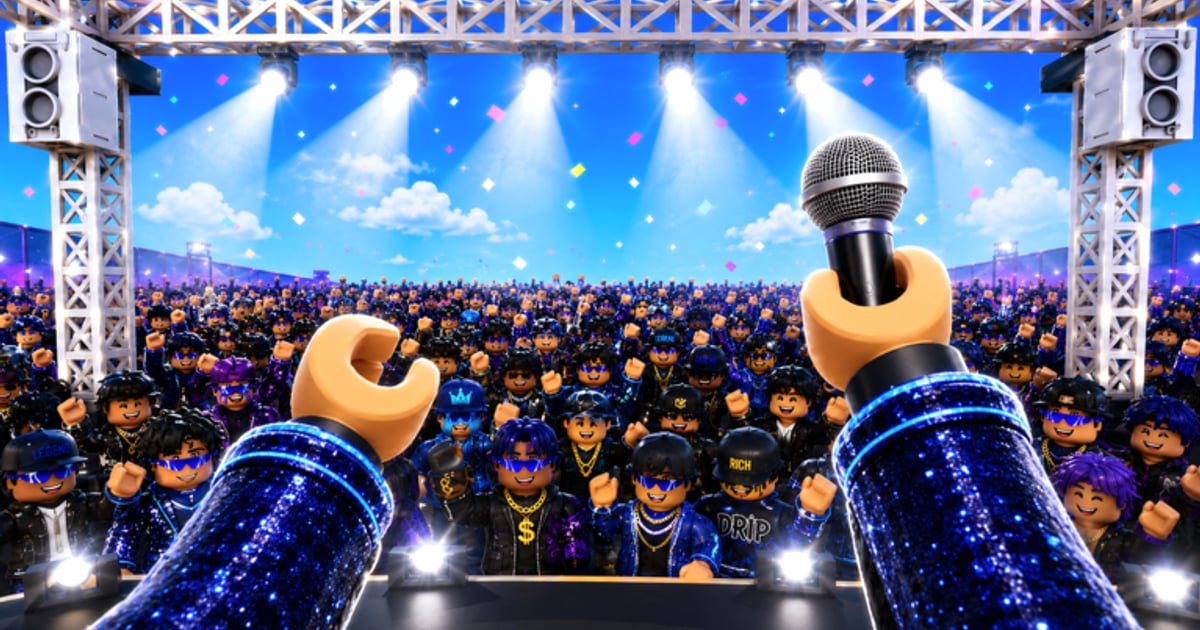
Smooth controls separate efficient festival builders from players who fight the camera while a 2X COINS timer ticks down. Music Festival Tycoon uses standard Roblox movement with Sawhorse Interactive tycoon conventions on top — purchase buttons, plot expansion zones, and artist menus layered over the default control scheme. This guide documents inputs for PC, mobile, and controller so you can switch devices without losing progress on your Live Nation festival (Place ID 105896604492658).
If you have not claimed your plot yet, read Getting Started first. For what to buy once you can navigate menus quickly, see Earn Coins and Festival Build.
PC controls — keyboard and mouse
Roblox defaults apply unless you changed keybinds in Roblox Settings → Keyboard & Mouse:
| Action | Default key |
|---|---|
| Move forward / back / strafe | W A S D |
| Jump | Space |
| Shift lock / camera toggle | Shift or Ctrl (depends on Roblox setting) |
| Rotate camera | Hold right mouse button + move mouse |
| Zoom camera | Scroll wheel |
| Interact / purchase / collect | Left mouse click on highlighted buttons or coin piles |
| Open Roblox menu | Esc |
| Chat | / or click chat box |
In Music Festival Tycoon specifically:
- Tycoon purchase pads glow or show price tags when you stand near them. Click the pad or the floating UI button — some structures require facing the pad first.
- Coin collection is often automatic via conveyors, but early game may need you to walk over physical coins. Strafe with A/D along collection paths you design — see Festival Build for routing tips.
- Artist and genre menus usually open from side HUD icons. Click the ticket, star, or music-note buttons; dragging is rare unless Roblox Studio tools are exposed (they are not in live servers).
- Plot expansion triggers at map edges — walk to striped zones and click confirm prompts. Mis-clicks happen when the camera is too zoomed in; scroll out before buying expensive extensions.
Mobile controls — touch
Most Music Festival Tycoon sessions on Roblox mobile use the dynamic thumbstick layout:
| Action | Touch input |
|---|---|
| Move | Left virtual thumbstick |
| Jump | Jump button (upper right area) |
| Camera | Swipe anywhere on the right half of the screen |
| Interact | Tap glowing pads, buttons, or coins |
| Pinch zoom | Two-finger pinch (if enabled in Roblox mobile settings) |
Mobile-specific tips:
- Increase touch sensitivity in Roblox settings if camera swipes feel sluggish during fast building sessions.
- Use landscape orientation — portrait mode hides HUD elements on smaller phones.
- Tap precisely on purchase buttons — mis-taps buy wrong upgrades when pads cluster, common near genre stages discussed in Genres.
- Disable Roblox shift lock if it fights your thumbstick — tycoon games rarely need it.
Mobile players earn coins at the same rates as PC during 2X COINS — input device does not affect multipliers.
Controller / gamepad
Xbox and PlayStation controllers work through Roblox’s default gamepad map:
| Action | Xbox | PlayStation |
|---|---|---|
| Move | Left stick | Left stick |
| Camera | Right stick | Right stick |
| Jump | A | Cross |
| Interact | X or A (context) | Square or Cross |
| Menu | Start / Menu | Options |
Controller users should enable gamepad mode in Roblox settings. Cursor-style UI buttons map to focus navigation — move with D-pad or stick and confirm with A/Cross. Precision buying on dense plots is harder than mouse; zoom out with stick clicks if your controller supports it.
Building and camera best practices
Controls matter most when placing stages for five genres — Rock, Hip Hop, EDM, Country, K-Pop:
- Zoom out before major purchases — see full plot layout to avoid blocking crowd paths.
- Rotate camera 90° increments mentally — symmetrical festivals collect coins faster when conveyors align.
- Stand still when reading artist UI — movement while menus are open sometimes dismisses prompts tied to Unlock Artists.
- Re-center after events — CORTIS and Lollapalooza collaborations spawn temporary props; scroll camera to find new interaction points covered in CORTIS Collaboration and Lollapalooza Event.
Roblox-level settings worth changing
These live outside Music Festival Tycoon but affect every session:
- Graphics mode — Lower on old laptops to reduce input lag during crowded public servers.
- Camera mode — Classic vs follow; classic gives better overhead angles for tycoon planning.
- Reset character — Use Roblox menu if you fall off the map during plot expansion glitches; progress still saves.
- Private servers — Friends-only servers reduce avatar clutter blocking pads; controls feel tighter with fewer players.
Troubleshooting control issues
| Problem | Likely fix |
|---|---|
| Cannot click purchase pad | Zoom out; confirm you own the plot (Getting Started) |
| Camera stuck | Toggle shift lock; right-click drag on PC; rejoin server |
| Mobile taps register late | Lower graphics; close overlay apps; restart Roblox |
| Menu will not open | Check for event pop-ups blocking HUD; dismiss collaboration banners first |
| Wrong game controls feel | Verify Place ID 105896604492658 — not Chainsmokers Festival Tycoon |
Report persistent bugs on official channels from Official Links and watch Updates for control-related patch notes.
Related guides
Mastering inputs is step zero. Next reads:
- Getting Started — Tutorial flow and first-hour checklist
- Earn Coins — What to buy once you can navigate quickly
- Festival Build — Layout strategies that depend on smooth camera work
- Guides Hub — Full index of all eight walkthroughs
No promo codes grant control advantages — see Codes for the current empty list. Skill and efficient inputs beat any unreleased exploit string.
Frequently Asked Questions
Quick answers to the most common questions.
What are the default PC controls in Music Festival Tycoon?
Use WASD to move, space to jump, right-mouse drag to rotate camera, scroll to zoom, and left-click to interact with purchase pads, coins, and HUD menus. Roblox defaults apply unless you changed keybinds.
Can I play Music Festival Tycoon on mobile?
Yes. Use the left thumbstick to move, swipe the right side for camera, and tap glowing pads to buy upgrades and collect coins. Landscape orientation and lower graphics reduce mis-taps.
Does controller work for building my festival?
Yes. Roblox maps Xbox and PlayStation controllers to movement, camera, jump, and interact buttons. Precision buying is easier on mouse, but controllers work for standard progression.
Why can I not click a purchase button?
Zoom out to see the full pad, confirm you claimed your plot, and check that no event pop-up is blocking the HUD. Rejoin if the camera freezes.
Do controls differ from Festival Tycoon by The Chainsmokers?
Input schemes are both standard Roblox, but the games are separate experiences with different maps and UI. Always confirm you are in Music Festival Tycoon (Place ID 105896604492658).